
Security & Threat Removal
Identifying and removing threats properly, while restoring system security and stability.
Viruses, malware, and other unwanted software can affect how your computer behaves, often causing slow performance, unusual activity, or loss of control over the system.
In many cases, these issues are not immediately obvious and may continue in the background even after basic removal attempts. A proper approach is needed to ensure the system is fully cleaned and secured.
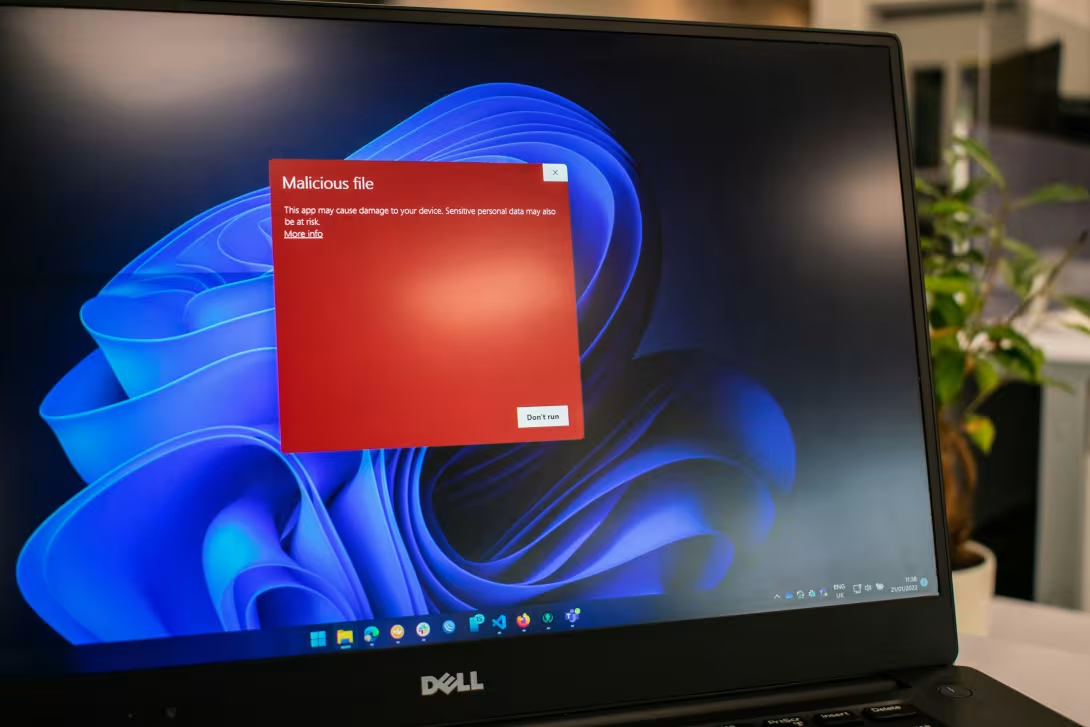
Common Signs of Infection
- Unexpected pop-ups or warnings
- Slow performance or unusual system behaviour
- Programs opening or closing on their own
- Browser redirects or unwanted toolbars
- Security warnings or disabled protection software
- Unknown applications appearing on the system
These symptoms can indicate anything from minor unwanted software to more serious threats.
Understanding the Risk
Malicious software can:
- Compromise personal data
- Record activity or capture login details
- Weaken system security
- Cause ongoing performance issues
- Spread across networks or connected devices
Even if the system appears to be working, underlying threats may still be present.
How Issues Are Diagnosed
Systems are assessed carefully to determine the nature and extent of the problem. This may include:
- Identifying active threats and unwanted software
- Reviewing system behaviour and background processes
- Checking browser and application integrity
- Assessing security settings and vulnerabilities
This ensures that all issues are identified before removal begins.
Removal and System Clean-up
Once identified, threats are removed using appropriate tools and methods. This process may include:
- Removing malware and unwanted software
- Cleaning system files and startup processes
- Restoring browser and application settings
- Reinstating proper security controls
The goal is not just removal, but returning the system to a clean and stable state.
When a Full Rebuild Is Recommended
In some cases, particularly with more serious infections, a clean system rebuild is the most reliable solution.
This ensures all threats are completely removed and eliminates any hidden or persistent issues.
You’ll be advised clearly if this is the best option, with full explanation of why it’s necessary.
Improving Ongoing Security
After clean-up, steps can be taken to reduce the risk of future issues:
- Reviewing and improving security software
- Removing unnecessary or risky applications
- Providing practical advice on safe usage
- Ensuring systems are properly updated
The aim is to prevent repeat problems, not just fix the current one.
Clear, Reassuring Support
You’ll receive straightforward advice on what’s been found, what’s been done, and how to stay protected going forward.
No unnecessary alarm, no technical confusion — just a secure system that works as it should.